Neovim 0.11 native LSP and autocompletion
Simpler native LSP and autocompletion setup in Neovim 0.11
Though the LSP client has been part of Neovim since version 0.5, setting it up
hasn’t been all that simple or clear, and the use of plugins such as
nvim-lspconfig have pretty much been
a necessity for working with language severs in Neovim. Neovim version 0.11
introduces a couple of new API’s: vim.lsp.config() and vim.lsp.enable().
These aim to simplify LSP configuration setup and remove the need for using
nvim-lspconfig. As an example, we’ll setup the lua-language-server
using these built-in functions.
We can call vim.lsp.config() with whichever language server we want to setup:
vim.lsp.config.lus_la = {
  cmd = { vim.fn.expand "~/.local/share/nvim/mason/bin/lua-language-server" },
  root_markers = { ".luarc.json" },
  filetypes = { "lua" },
}

vim.lsp.enable "lua-language-server"
The filetypes and root_markers parameters will tell Neovim which buffers to
activate the language server in, and calling vim.lsp.enable() will auto-activate
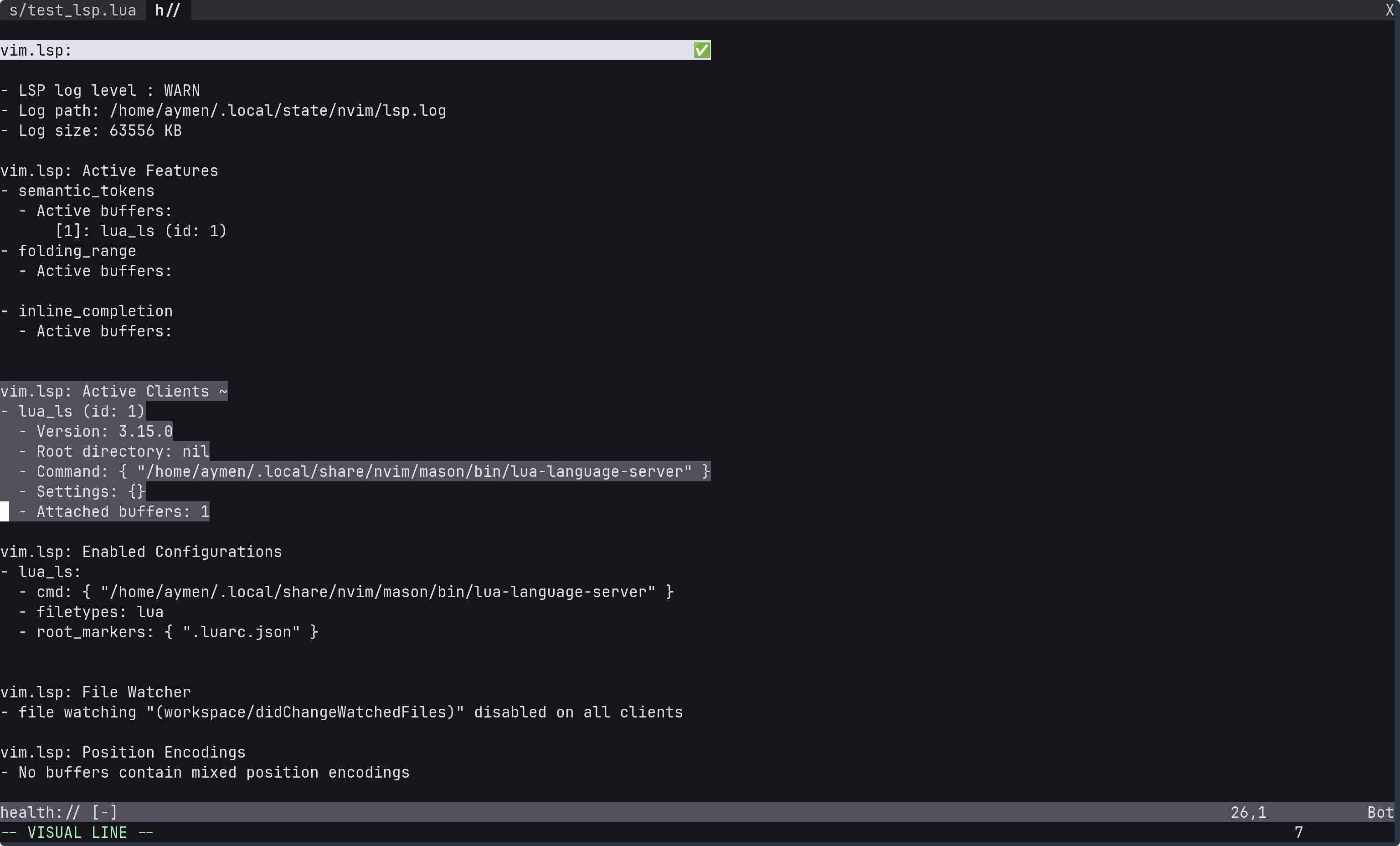
the LSP in the specified buffers. Running :checkhealth vim.lsp should show
that the Lua language server is enabled.
While the above snippet is enough to get the language server running, the following settings make it more optimised for writing Lua in Neovim.
vim.lsp.config["lua-language-server"] = {
  cmd = { vim.fn.expand "~/.local/share/nvim/mason/bin/lua-language-server" },
  root_markers = { ".luarc.json" },
  filetypes = { "lua" },
  settings = {
    Lua = {
      -- Lets lua_ls which version of Lua to use
      runtime = {
        version = "LuaJIT"
      },
      -- Allow lua_ls to recognise the 'vim' global
      diagnostics = {
        globals = { "vim" }
	  },
      -- Points lua_ls to Neovim's runtime files
      workspace = {
        checkThirdParty = false,
        library = {
          vim.env.VIMRUNTIME,
          "${3rd}/luv/library",
          "${3rd}/busted/library",
        }
      }
    }
  }
}

vim.lsp.enable "lua-language-server"
LSP client configurations can also be set in ~/.config/nvim/lsp/ in a similar
fashion to setting filetype specific settings in ftplugin/, and will get
sourced automatically as part of Neovim’s runtimepath:
-- ~/.config/nvim/lsp/lua_ls.lua
return {
  cmd = { vim.fn.expand "~/.local/share/nvim/mason/bin/lua-language-server" },
  root_markers = { ".luarc.json" },
  filetypes = { "lua" },
  settings = {
    Lua = {
      -- Lets lua_ls which version of Lua to use
      runtime = {
        version = "LuaJIT"
      },
      -- Allow lua_ls to recognise the 'vim' global
      diagnostics = {
        globals = { "vim" }
	  },
      -- Points lua_ls to Neovim's runtime files
      workspace = {
        checkThirdParty = false,
        library = {
          vim.env.VIMRUNTIME,
          "${3rd}/luv/library",
          "${3rd}/busted/library",
        }
      }
    }
  }
}
Autocompletion
Manual autocompletion has been a built-in feature in both Vim and Neovim, with
the ability to use the 'omnifunc' setting with LSP completion using CTRL-X
CTRL-O. Neovim version 0.11 added auto-completion from a given language client.
From :help lsp-completion and applying it to lua-language-server:
-- configure the completion menu (:help completeopt)
vim.cmd[[set completeopt+=menuone,noselect,popup]]
vim.lsp.start({
  name = 'lua_ls',
  cmd = { vim.fn.expand "~/.local/share/nvim/mason/bin/lua-language-server" },
  on_attach = function(client, bufnr)
    vim.lsp.completion.enable(true, client.id, bufnr, { autotrigger = true })
  end,
})
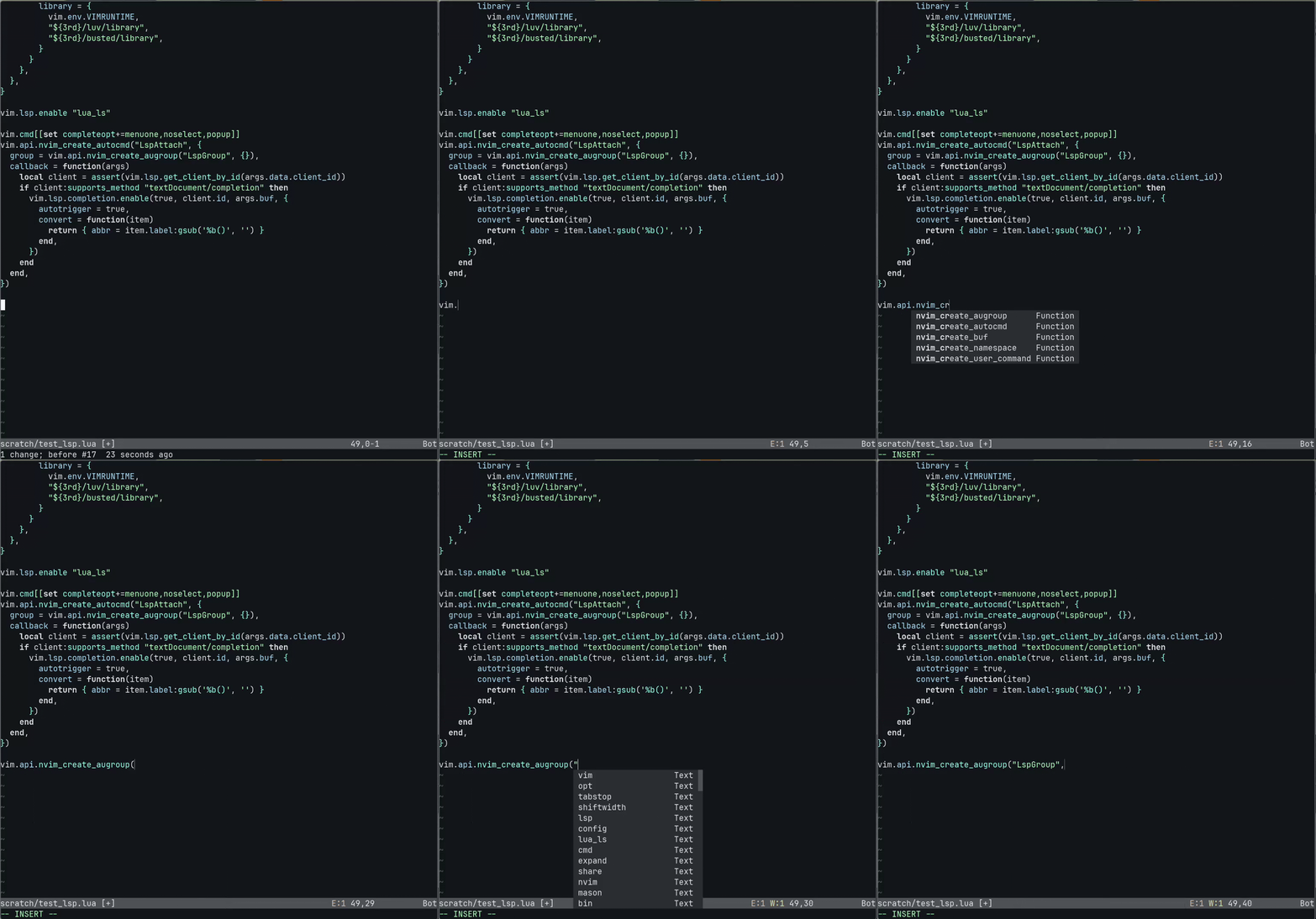
This will enable auto-completion when the lua-language-server initialises and
attached to the current buffer. Autocompletion can also be configured to be
enabled on LspAttach with an autocommand:
vim.cmd[[set completeopt+=menuone,noselect,popup]]
vim.api.nvim_create_autocmd("LspAttach", {
  group = vim.api.nvim_create_augroup("LspGroup", {}),
  callback = function(args)
    local client = assert(vim.lsp.get_client_by_id(args.data.client_id))
    if client:supports_method "textDocument/completion" then
      vim.lsp.completion.enable(true, client.id, args.buf, {
        autotrigger = true,
        convert = function(item)
          return { abbr = item.label:gsub('%b()', '') }
        end,
      })
    end
  end,
})
This is just a high level overview of getting LSP and auto-completion setup
natively, but :help lsp-quickstart and :help lsp-completion has a lot more
details.