Project note
Aizawa attractor
In this example we’ll look at the Aizawa attractor. What’s interesting about the Aizawa attractor is that it doesn’t follow the conventional shape of other strange attractors, like the Lorenz or Dadras attractors. Instead its trajectory seemingly follows the surface of sphere while twisting upwards through a funnel shaped column.
Because of it’s unique shape, it can be used to make some pretty cool looking visualisations. This example mainly goes through how Animplotlib can be used to take a standard animation of the solution for a system of differential equations, and turn it into a unique visual.
The Aizawa system is defined by the following set of equations:
Solving these equations and creating a simple animation of the solution:
import animplotlib as animimport matplotlib.pyplot as pltimport numpy as npfrom scipy.integrate import odeint
t = np.linspace(0, 50, 10000)x0 = [0.1, 0.0, 0.0]

def aizawa(x_var, t, a, b, c, d, e, f):    x, y, z = x_var    dxdt = (z - b) * x - d * y    dydt = d * x + (z - b) * y    dzdt = c + a * z - (z**3 / 3) - (x**2 + y**2) * (1 + e * z) + (f * z * x**3)
    return [dxdt, dydt, dzdt]

def solve_aizawa(x0, t, a, b, c, d, e, f):    return odeint(aizawa, x0, t, args=(a, b, c, d, e, f))

x_solve = solve_aizawa(x0, t, a=0.95, b=0.7, c=0.6, d=3.5, e=0.25, f=0.1)x, y, z = x_solve.T
fig = plt.figure(figsize=(7, 7))ax = fig.add_subplot(111, projection="3d")plt.tight_layout()
lines = ax.plot([], [], [])points = ax.plot([], [], [], "o", markersize=10)
ax.set_xlim(x.min(), x.max())ax.set_ylim(y.min(), y.max())ax.set_zlim(z.min(), z.max())ax.set_axis_off()
anim.AnimPlot3D(fig, ax, lines, points, x, y, z, plot_speed=3, rotation_speed=0.1)
The above solution is for initial conditions of , , and with parameter values of , , , , ,
While this is a nice animation, we can combine the interesting shape with the ability of
easily extending it with Animplotlib’s configuration options to make some more
interesting looking animations.
Animplotlib has l_num and p_num parameter options, which control how many points
are plotted to lines and points up to the current most point each frame. By default,
lines plots all points and points plots just the current most point. This pairing gives
a ‘point with a leading trail’ look, as seen in the above the gif. Using some
matplotlib configuration options like adding a dark background,
plt.style.use("dark_background")and plotting the points as dots rather than a joined line:
lines = ax.plot([], [], [], ".", markersize=0.25)points = ax.plot([], [], [], ".", markersize=1)Playing with combinations of l_num and p_num can give some interesting variations
of the animation.
anim.AnimPlot3D( fig, ax, lines, points, x, y, z, plot_speed=15, rotation_speed=0.05, l_num=7000, p_num=1250,)
Because of the way the attractor ‘rises’ throught a central column, when it’s rotating it looks as though the it’s spiralling upwards when rotating. Plotting a high number of really small points gives a sort of smoke like affect.
t = np.linspace(0, 250, 50000)...lines = ax.plot([], [], [], ".", markersize=0.02)points = ax.plot([], [], [], ".", markersize=0.02)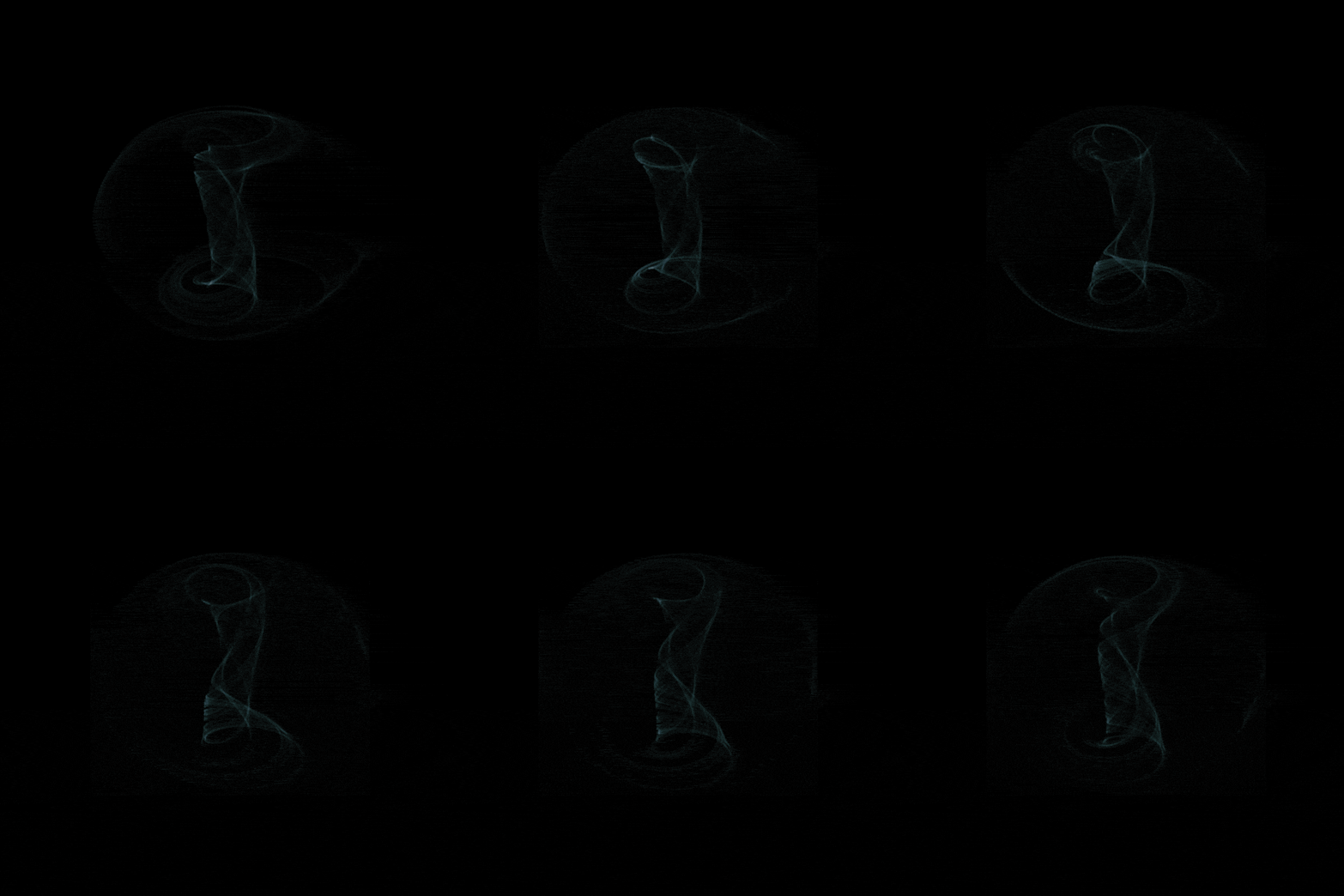
While these examples don’t necessarily give a better insight on how the behaviour of the
attractor, it demonstrates how Animplotlib can be used with matplotlib’s
configuration options to make some unique looking animations.