Project note
Glowing Animation
We’ll use some of the techniques demonstrated in the other examples to expand
on how we can leverage matplotlib’s builtin functionality with animplotlib
to create some cool looking animations.
In a previous post we made an animation of the Lorenz attractor. Here we’ll be looking at the Dadras attractor. The Dadras attractor differs from the Lorenz attractor in that it displays a winged, or multi-scrolled shaped when plotted. It can be described by the following set of nonlinear differential equations:
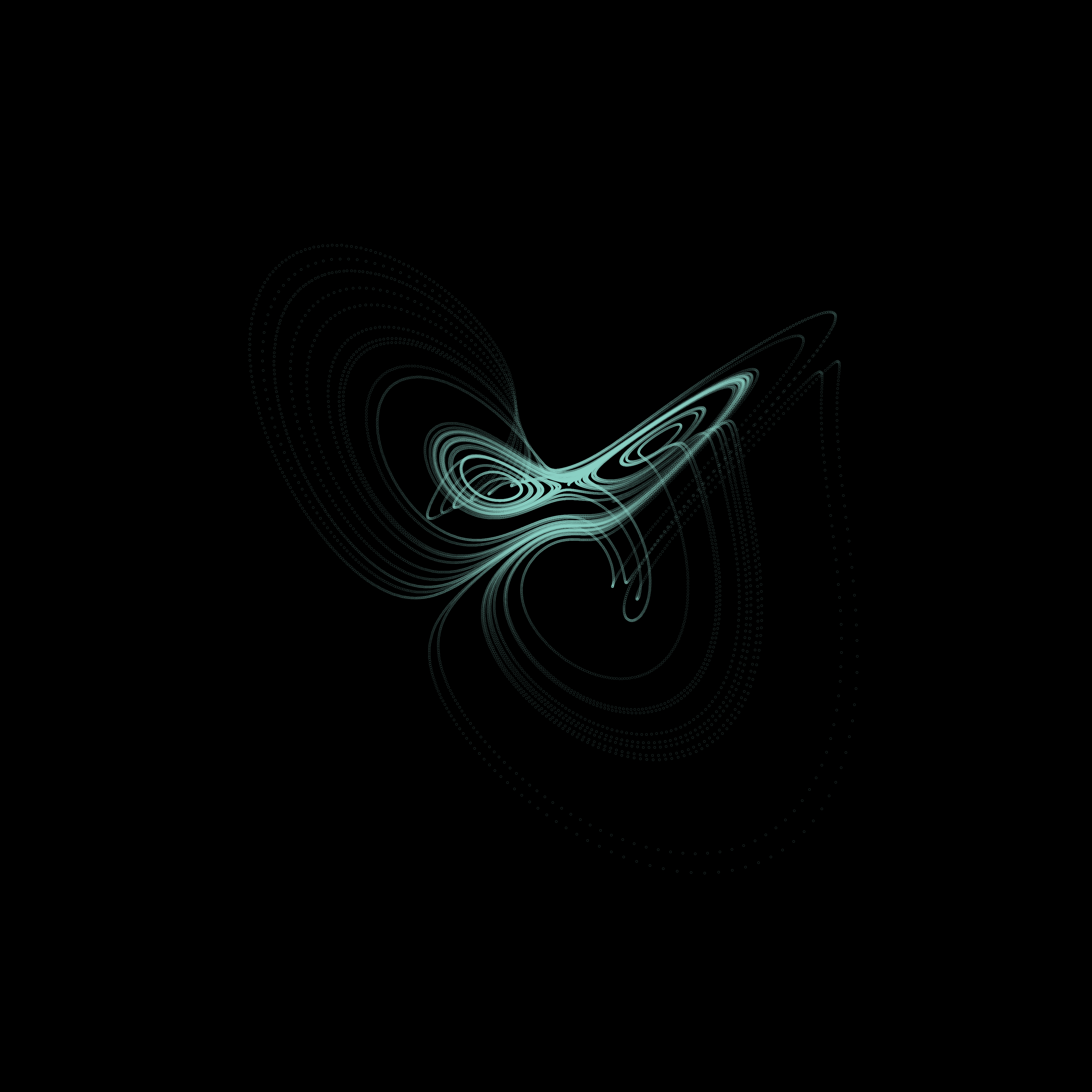
A common parameter configuration for the Dadras attractor to display the multi-scrolled shape shown above is
In the example animating the Lorenz attractor we solved the system for a variety
of initial conditions and plotted the solutions on a single axes to visualise
how chaotic systems are sensitive to their input parameters. Here, rather than
varying the parameters being input into the system we define we’ll vary some of
the parameters that can be set within matplotlib to customise the appearance
of the animation.
First we’ll import the necessary libraries and define the Dadras system:
import numpy as npimport matplotlib.pyplot as pltfrom scipy.integrate import odeintimport animplotlib as anim
# Set time interval and initial conditionst = np.linspace(0, 75, 10000)x0 = [1.1, 2.1, -2]

# Define the Dadras systemdef dadras(x_var, t, a, b, c, d, e):    x, y, z = x_var    dxdt = y - a * x + b * y * z    dydt = c * y - x * z + z    dzdt = d * x * y - e * z    return [dxdt, dydt, dzdt]

# Solving the Dadras systemdef solve_dadras(x0, t, a, b, c, d, e):    return odeint(dadras, x0, t, args=(a, b, c, d, e))
We then call the solve_dadras function to generate the data we’re going to
plot:
x_solve = solve_dadras(x0, t, a=3, b=2.7, c=1.7, d=2, e=9)x, y, z = x_solve.TNext, we can create a figure and axes, and empty lists for the lines, points, and , , and data to be added to.
plt.style.use("dark_background")fig = plt.figure()ax = fig.add_subplot(111, projection="3d")
lines = []points = []xs, ys, zs = [], [], []
Setting
plt.style.use("dark_background")will help enhance the affect we’re trying to achieve. Note that this must be done before settingfigandaxin order for it to be applied to the figure and axes
Rather than generating multiple solutions with varying parameters or initial
conditions, varying some of the parameters which can be passed as arguments into
the axes plots can allow us to achieve some interesting looking plots. Two such
arguments are linewidth and alpha. Overlaying the same plot while gradually
increasing the linewidth and decreasing the alpha value can produce a
glow-like affect. We first create a list of linewidth and alpha values to
iterate over:
# Values for linewidth and alphaline_config = [ (1, 1), (2, 0.5), (3, 0.4), (4, 0.3), (6, 0.2), (8, 0.15), (9, 0.15), (11, 0.15), (13, 0.12), (17, 0.1), (20, 0.05),]Then, we pass the list of linewidth and alpha values to the axes, while
also appending line and point plots, and (x, y, z) to the empty lists we
created earlier.
# Iterating over the values for linewidth and alphafor config in line_config:    lw, alpha = config    xs.append(x)    ys.append(y)    zs.append(z)    # Setting linewidth and alpha to each value in the list    line, = ax.plot([], [], [], c="lightblue", lw=lw, alpha=alpha)    point, = ax.plot([], [], [], c="lightblue", lw=0, alpha=alpha)    lines.append(line)    points.append(point)
ax.set_xlim(np.min(x), np.max(x))ax.set_ylim(np.min(y), np.max(y))ax.set_zlim(np.min(z), np.max(z))ax.set_axis_off()
# Calling the AnimPlot3D classanim.AnimPlot3D(fig, [ax] * len(lines), lines, points, xs, ys, zs,                plot_speed=20, rotation_speed=0.036, l_num=1500)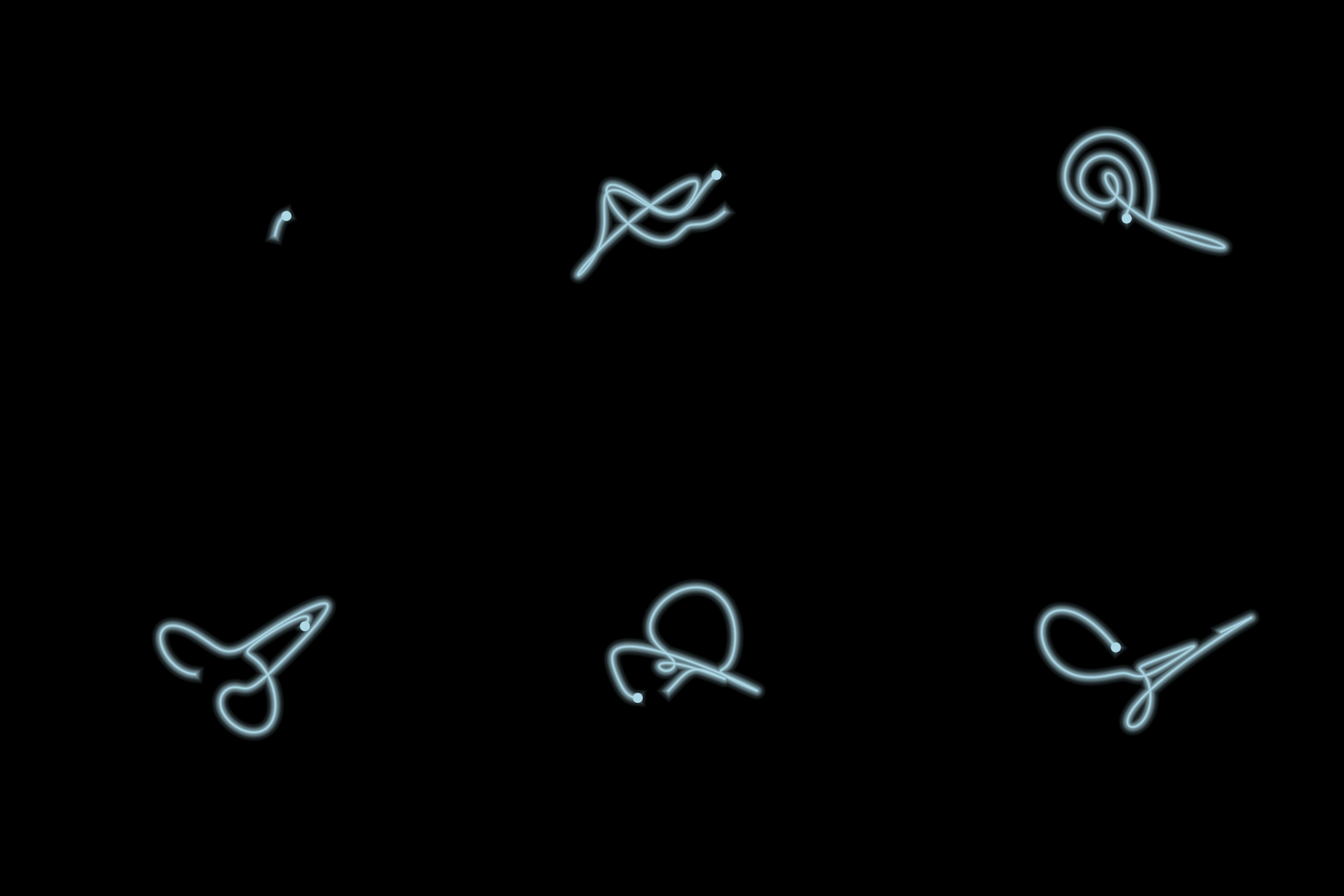
What we’re seeing in the animation is just the same plot being animated over itself, but each with a slightly thicker line and slightly lower alpha value.