Project note
Torus Knot
Torus knots are a class of knots that lie on and wrap around the surface of a torus.
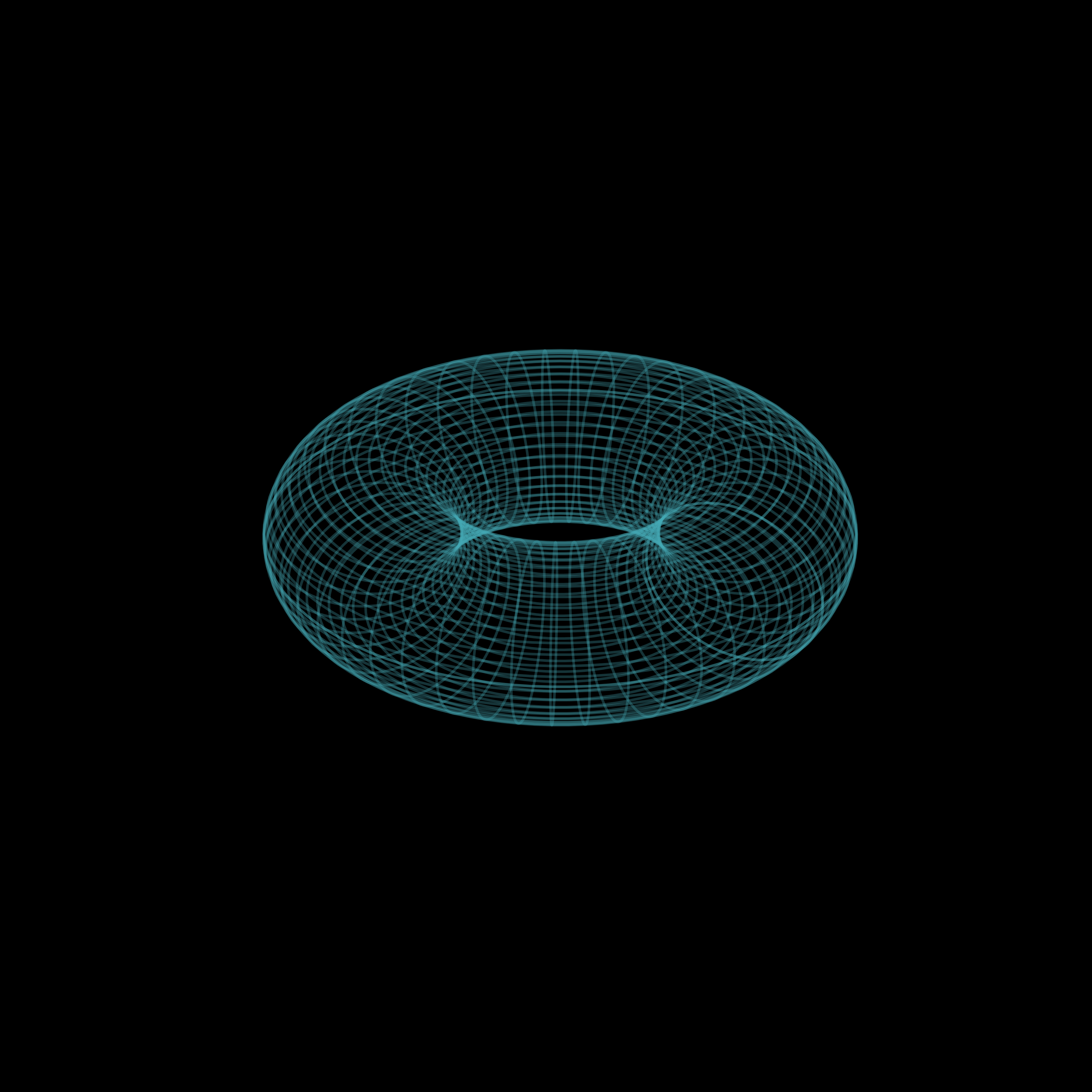
Because it produces a cool looking plot we’ll use the torus knot as a slightly
more complex example of using animplotlib. This will be similar to creating the
lorenz attractor
animation where we
made multiple plots on a single axes. Here, however, we’ll create three
animations, each on its own axis within the same figure.
Torus knots are defined parametrically by the following set of equations:
where is the radius of the torus (think of this as its “thickness”) and and are integers which must be coprime. This is important as it allows the torus to form a single, continuous loop. A common configuration to view the torus knot is with . For the parameters and we’ll use three different pairs: , and . Once animated, we’ll be able to get a better idea as to how these parameters determine the shape of their respective knots.
We can start with importing the necessary libraries, defining the knot and the values for and . We’ll allow to run over a period of to (i.e. one whole revolution).
import numpy as npimport matplotlib.pyplot as pltimport animplotlib as anim
n = 1000t = np.linspace(0, 2 * np.pi, n)
parameters = [(3, 2), (7, 3), (15, 4)]colours = ['#46ACB8', '#F28E2B', '#E15759']

def torus(p, q):    x = (2 + np.cos(p * t)) * (np.cos(q * t))    y = (2 + np.cos(p * t)) * (np.sin(q * t))    z = -np.sin(p * t)    return x, y, z
We can create a figure as well as some empty lists to store the axes, lines, points and the data we’ll be plotting.
fig = plt.figure(figsize=(10, 5))axes = []lines = []points = []xs, ys, zs = [], [], []Next, we call the function for each set of parameters we defined earlier. We can then create a line, point and static plot and append each of these to the corresponding lists created above.
for parameter, colour in zip(parameters, colours):    p, q = parameter    x, y, z = torus(p, q)    xs.append(x)    ys.append(y)    zs.append(z)
    ax = fig.add_subplot(1, 3, len(axes) + 1, projection='3d')    axes.append(ax)    ax.plot(x, y, z, c=colour)    line, = ax.plot([], [], [], lw=0)    point, = ax.plot([], [], [], 'o', c=colour, markersize=10)    lines.append(line)    points.append(point)
    ax.set_xlim(np.min(x), np.max(x))    ax.set_ylim(np.min(y), np.max(y))    ax.set_zlim(np.min(z), np.max(z))    ax.set_axis_off()
# Calling the AnimPlot3D classanim.AnimPlot3D(fig, axes, lines, points, xs, ys, zs, plot_speed=2,                rotation_speed=0.36)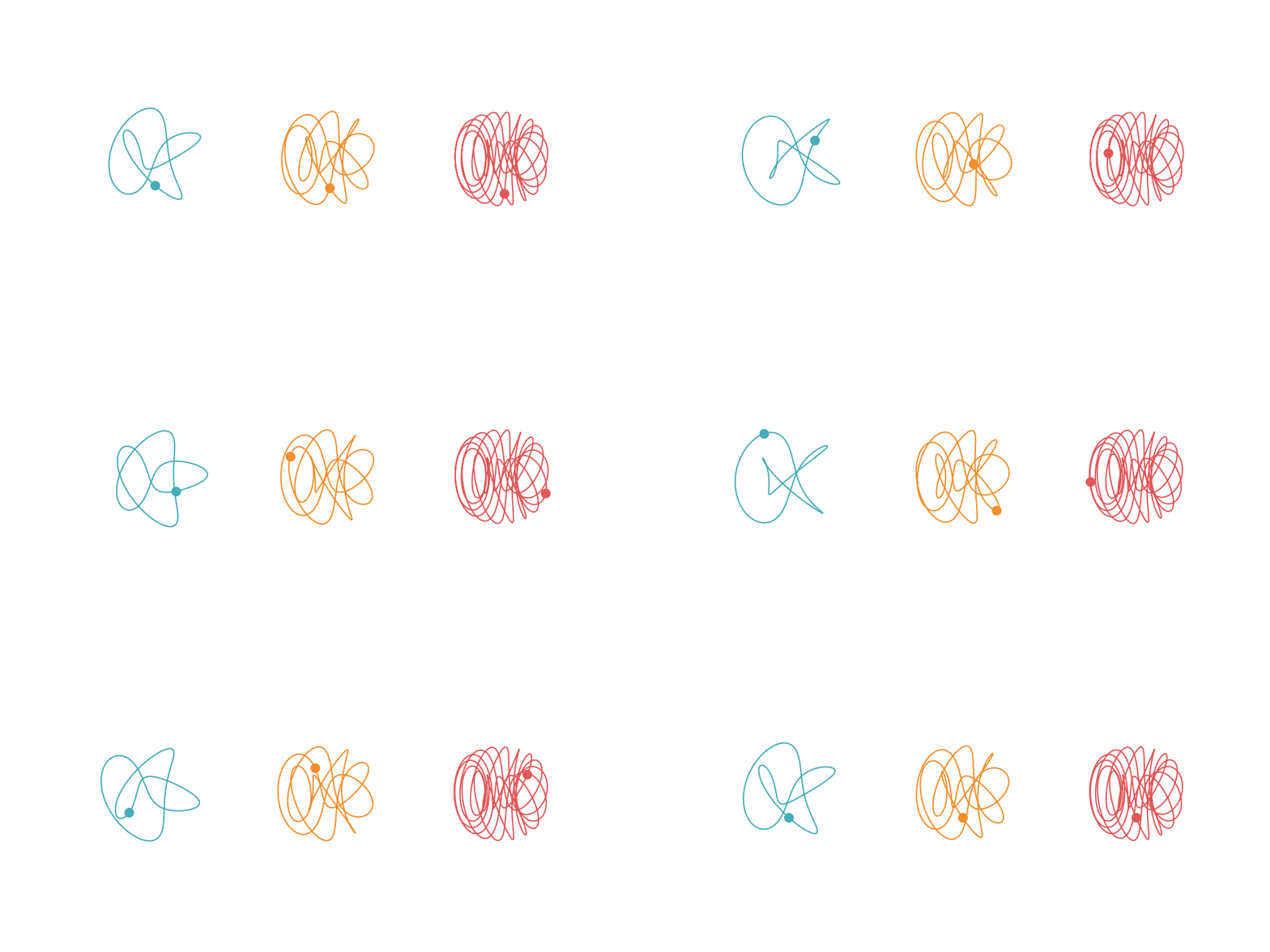
We can see from the animation how the density and complexity of the knot increases as we change the values of and . Let’s overlay the knot with and to better see how these parameters relate to a torus:
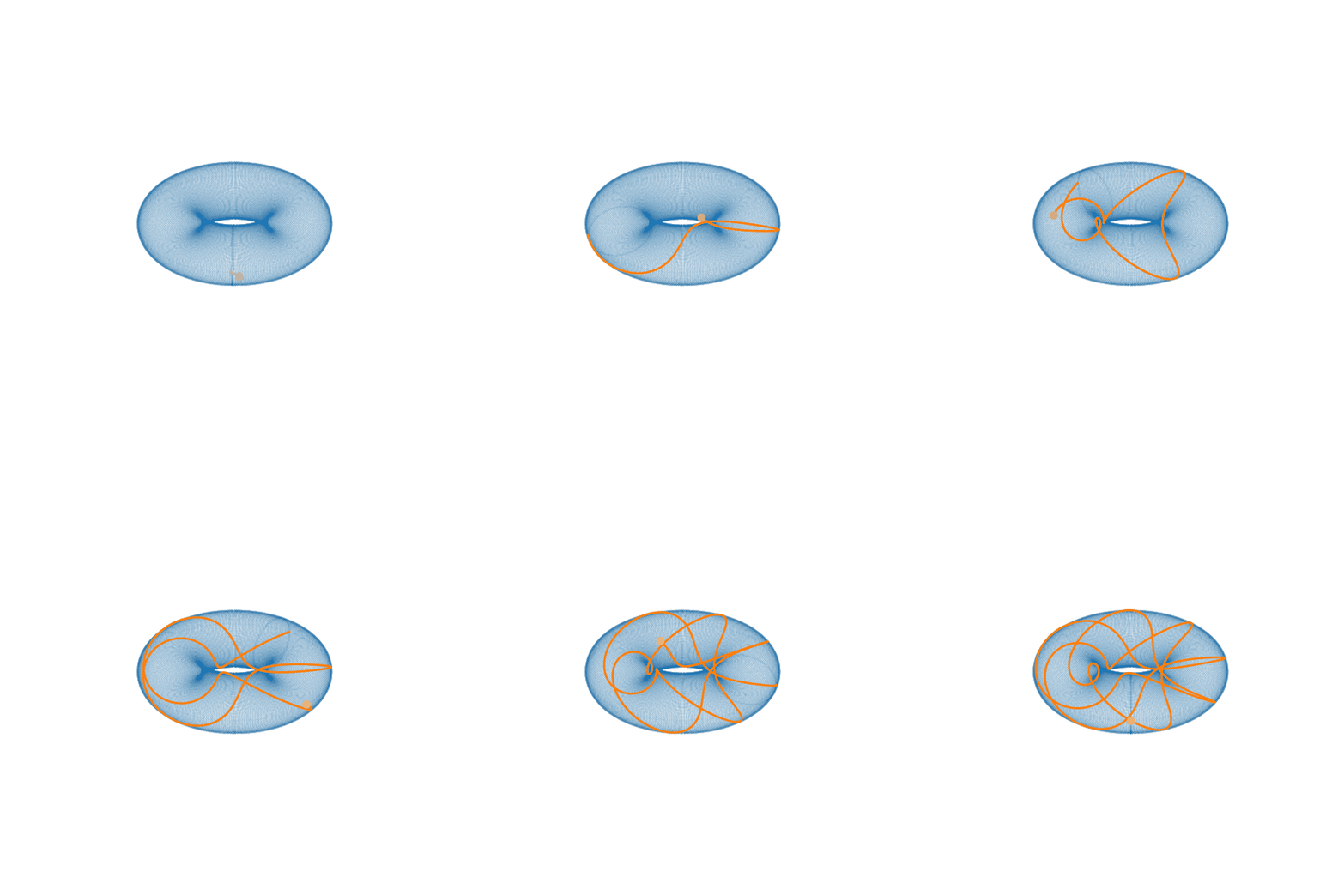
Staring at this for a while you may begin to see that the knot actually loops around the torus 7 times (i.e. times) and around its central axis 3 times (i.e. times). Creating these animations makes it a lot easier to understand what these parameters actually mean in the context of the equations and how the knot is affected as we change them.